Onboarding checklist
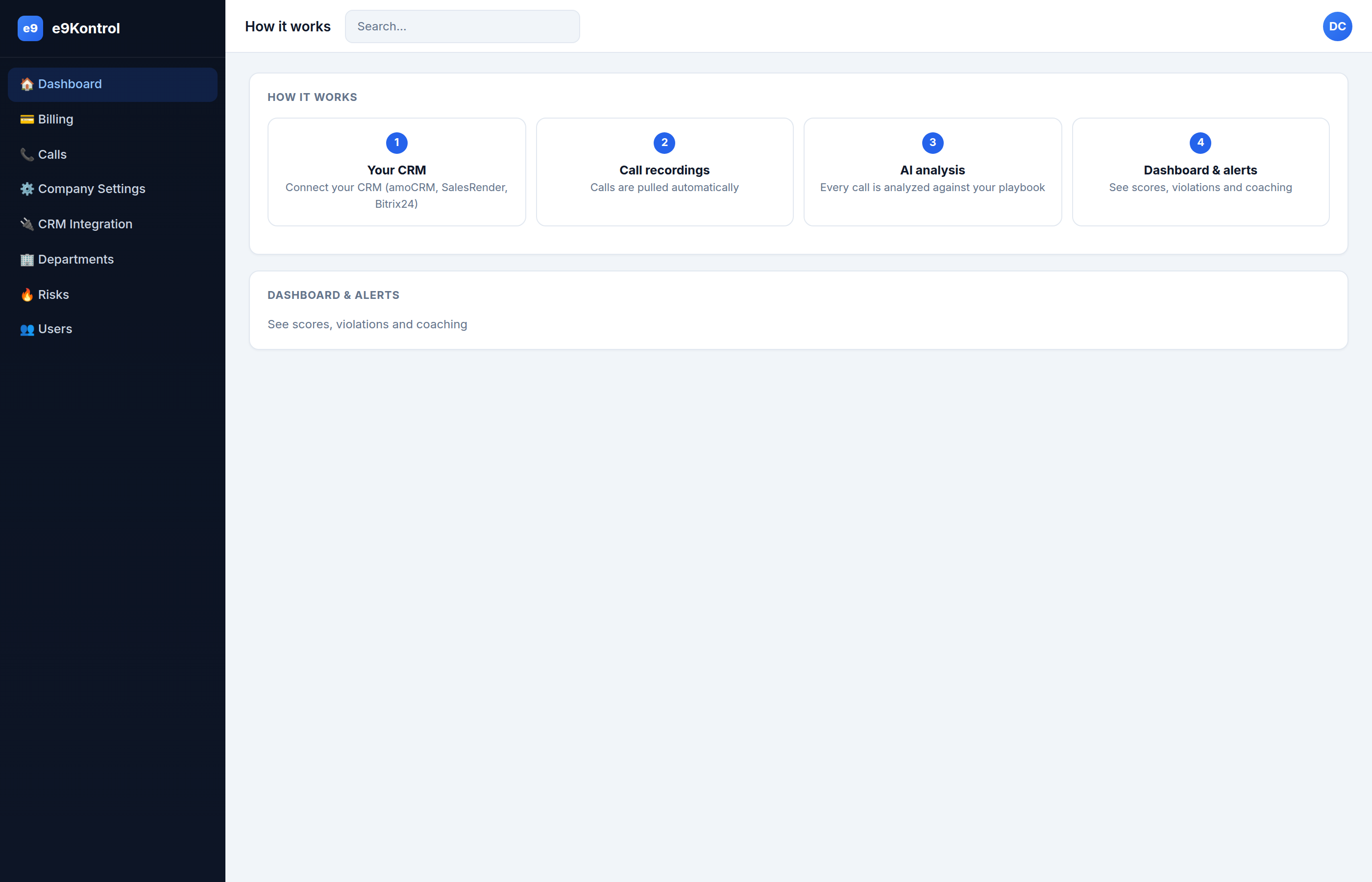
Work through this list to go from zero to a working call-QA setup. The order matters — each step unlocks the next.
- Create your account and verify your email.
- Connect your CRM (amoCRM, SalesRender, or Bitrix24).
- Select pipeline statuses to analyze.
- Set lead-field filters (optional).
- Add users (agents and managers).
- Create departments (optional, for per-team rules).
- Configure the playbook — the scoring rules.
- Connect Telegram for alerts.
- Review the Risk Zone after your first calls appear.
| Step | What it unlocks | Where |
|---|---|---|
| 1 | A working account | Creating an account |
| 2–4 | Calls flowing in | CRM Integration |
| 5–6 | Attribution & teams | Users · Departments |
| 7 | Correct scoring | Company Settings |
| 8 | Real-time alerts | Telegram |
| 9 | Coaching targets | Risk Zone |
tip
Don't over-tune the playbook on day one — run with the defaults for a week, then adjust based on the actual violations and scores you see.